List Component
Overview
List Component is a UI-focused component used to render structured tabular data from a dataset. It supports dataset binding, field selection, unique identifiers, and visual customization.
Available only when team type is set to UI.
Create List Team
Actions
- Open Team Builder
- Change team type from Agent to UI
- Drag and drop List Component into the UI canvas

Configure Dataset
Actions
- Drag vectorstore dataset into List Component
- Select dataset and document source
- Choose fields to display as columns
- Select ID field as unique identifier
Notes
- ID field is mandatory
- Column order follows field selection order
Configure List UI
Available Options
- Live table preview
- Theme and color selection
- Layout configuration
- Header title
- Description text

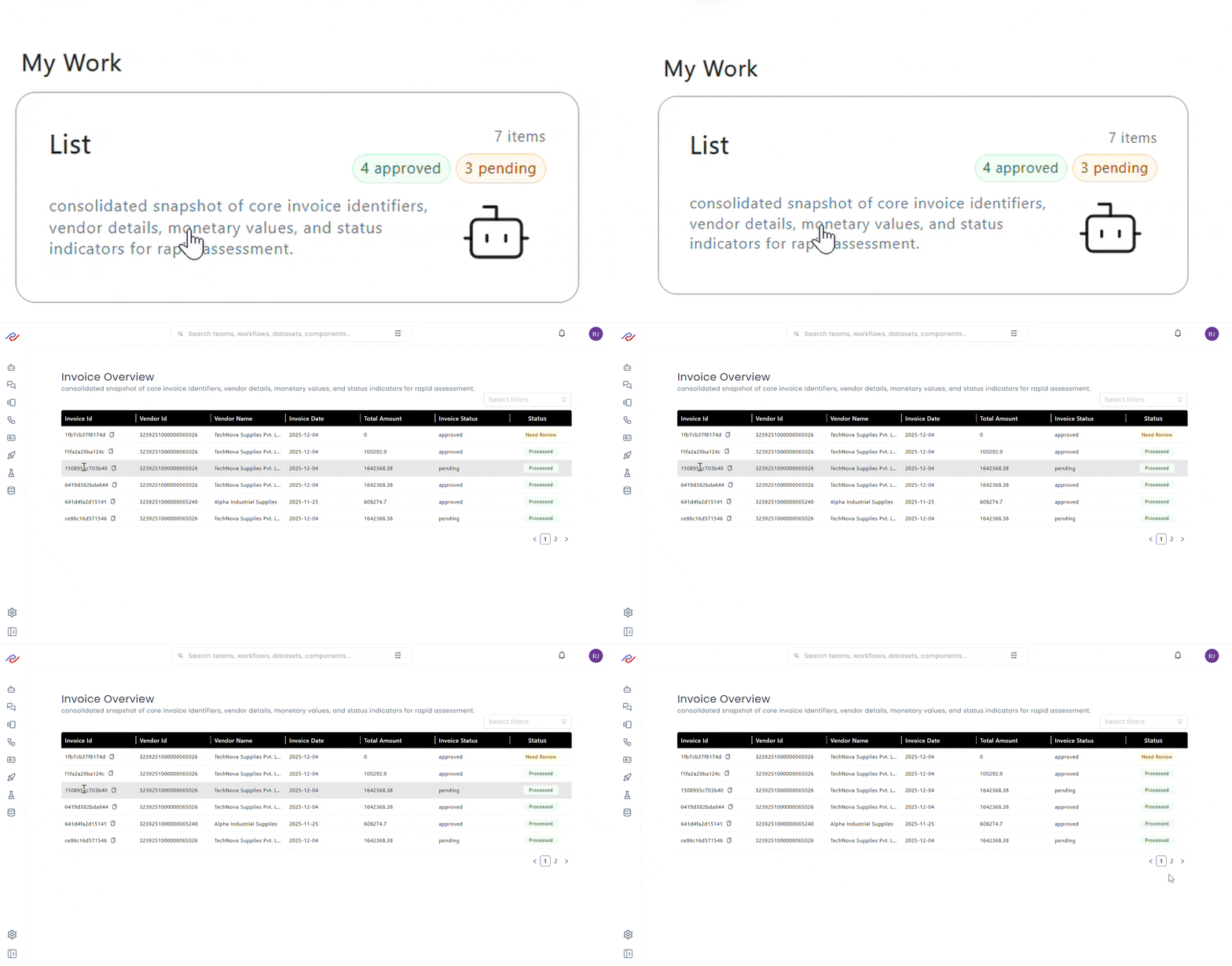
List in Home Page
Behavior
- Component appears under My Work
- Selecting item opens list view
- Data loads from bound dataset
Capabilities and Use Cases
Key Capabilities
- Dataset-driven table rendering
- Unique row identification
- UI theming and layout control
- Home page integration
- No-code configuration workflow
Common Use Cases
- Document listings
- Record tables
- Administrative dashboards
- Search result views
- Read-only data exploration